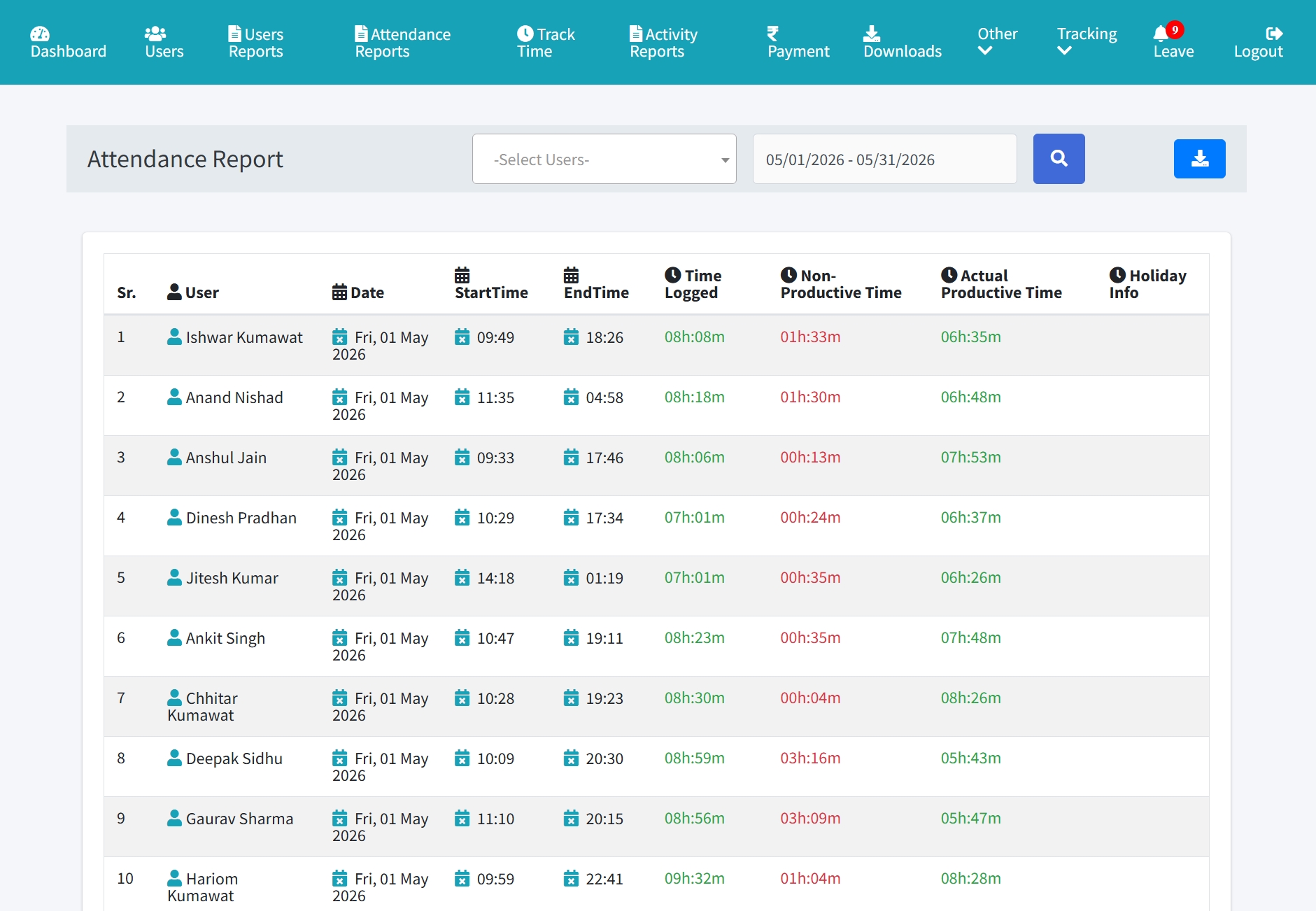
Attendance Tracking Guide
Connect daily presence with work-hour records, check-in/out, and monthly reports.
Setup Instructions
Step 1
Open Attendance Reports.
Step 2
Select user and date range.
Step 3
Review start time, end time, total time, productive time, and non-productive time.
Step 4
Use monthly attendance for payroll or HR review.
Step 5
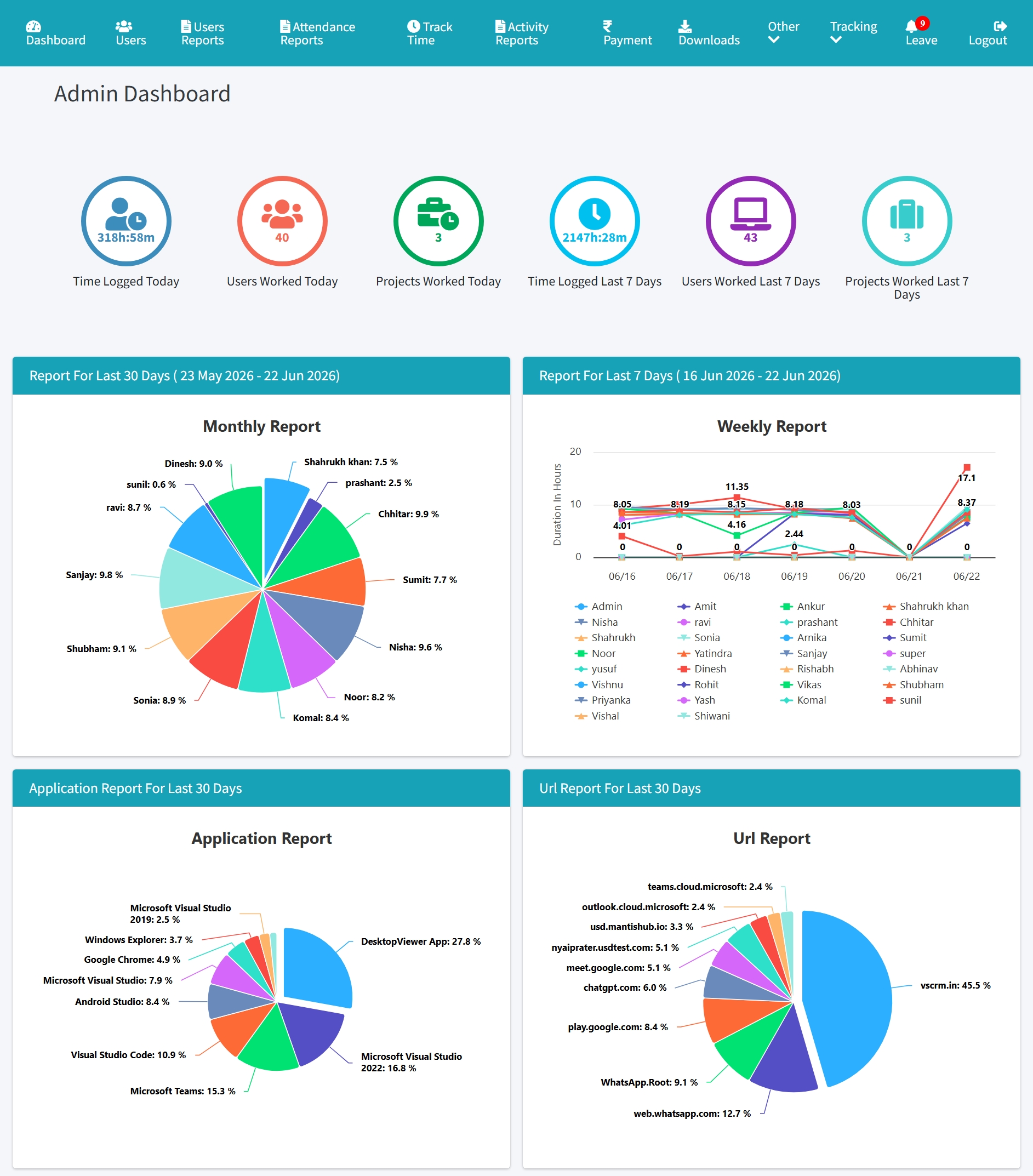
Compare attendance with tracked time and offline time.