Timesheet Guide
Add manual project or day-wise time and review submitted entries.
Setup Instructions
Step 1
Confirm the user has Add Timesheet or Timesheet Report rights.
Step 2
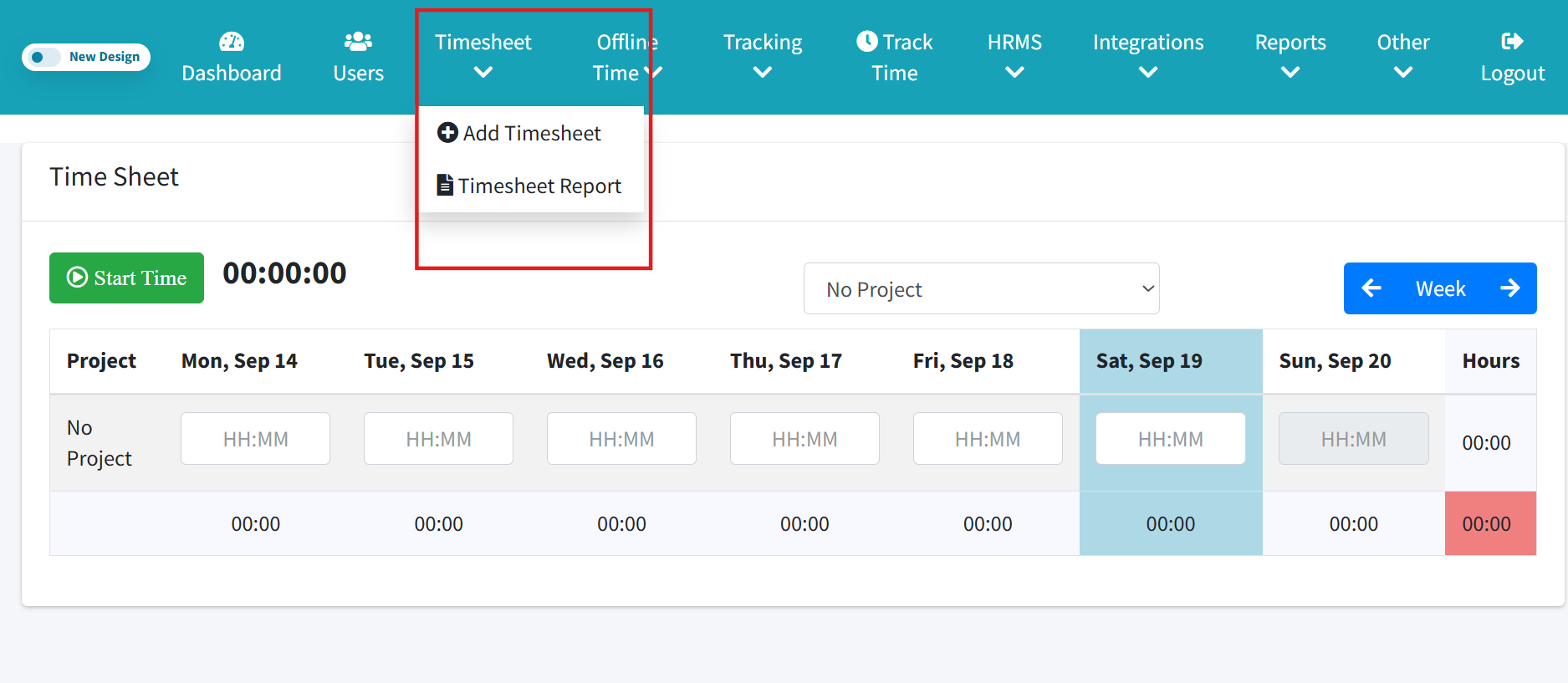
Open Add Timesheet from navigation.
Step 3
Select the week.
Step 4
Enter hours against the correct date and project.
Step 5
Save the entry.
Step 6
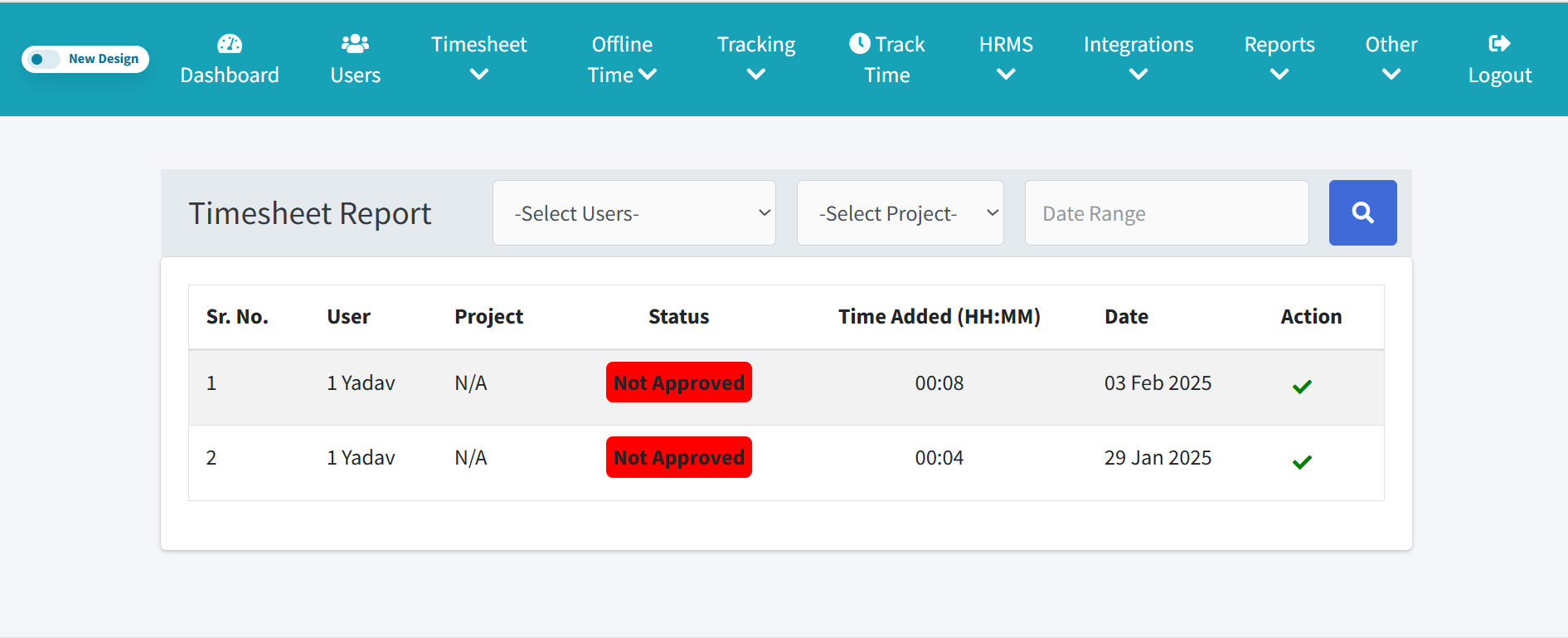
Open Timesheet Report to filter by user, project, or date.
Step 7
Admin reviews and approves valid entries.