Security & Privacy Guide
Use transparent tracking, role-aware access, secure screenshot storage, company settings, and privacy-sensitive deployment options.
Setup Instructions
Step 1
Review company tracking policies before rollout.
Step 2
Assign role-based access so only authorized users can view reports.
Step 3
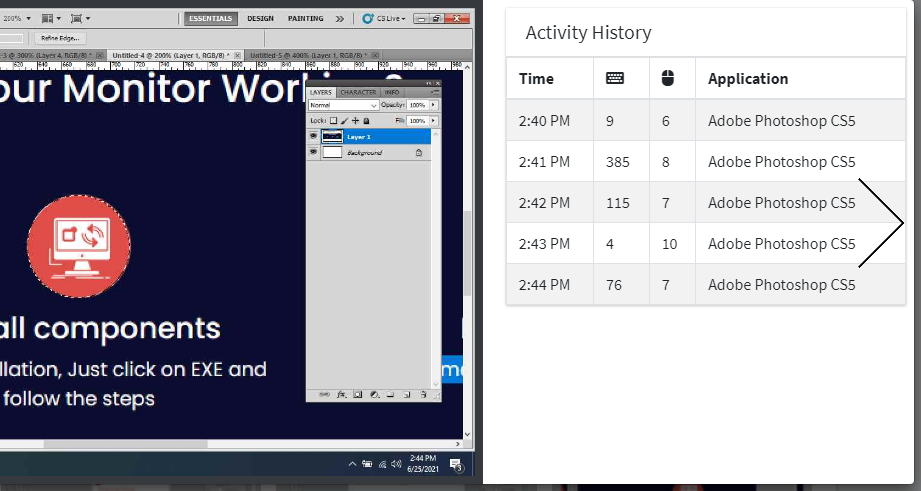
Use screenshot and activity data only during work sessions.
Step 4
Keep company settings and user status updated.
Step 5
Review data retention needs for screenshots and attendance records.
Step 6
Discuss on-premise deployment for stricter privacy or compliance requirements.