Users & Rights Guide
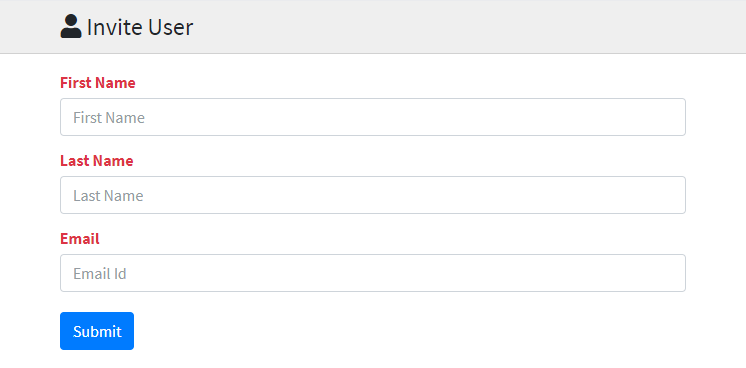
Invite employees, edit profiles, assign roles, and control menu access.
Setup Instructions
Step 1
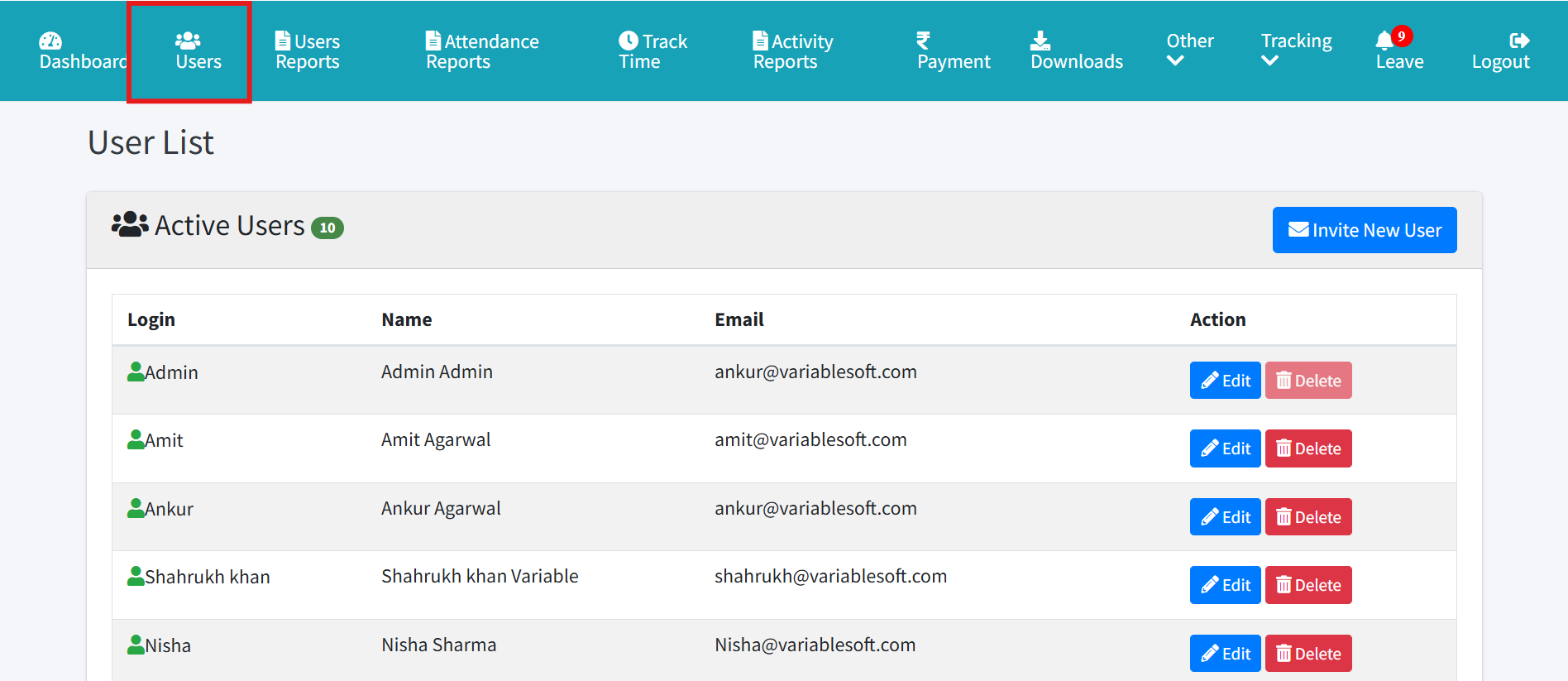
Open Users from admin navigation.
Step 2
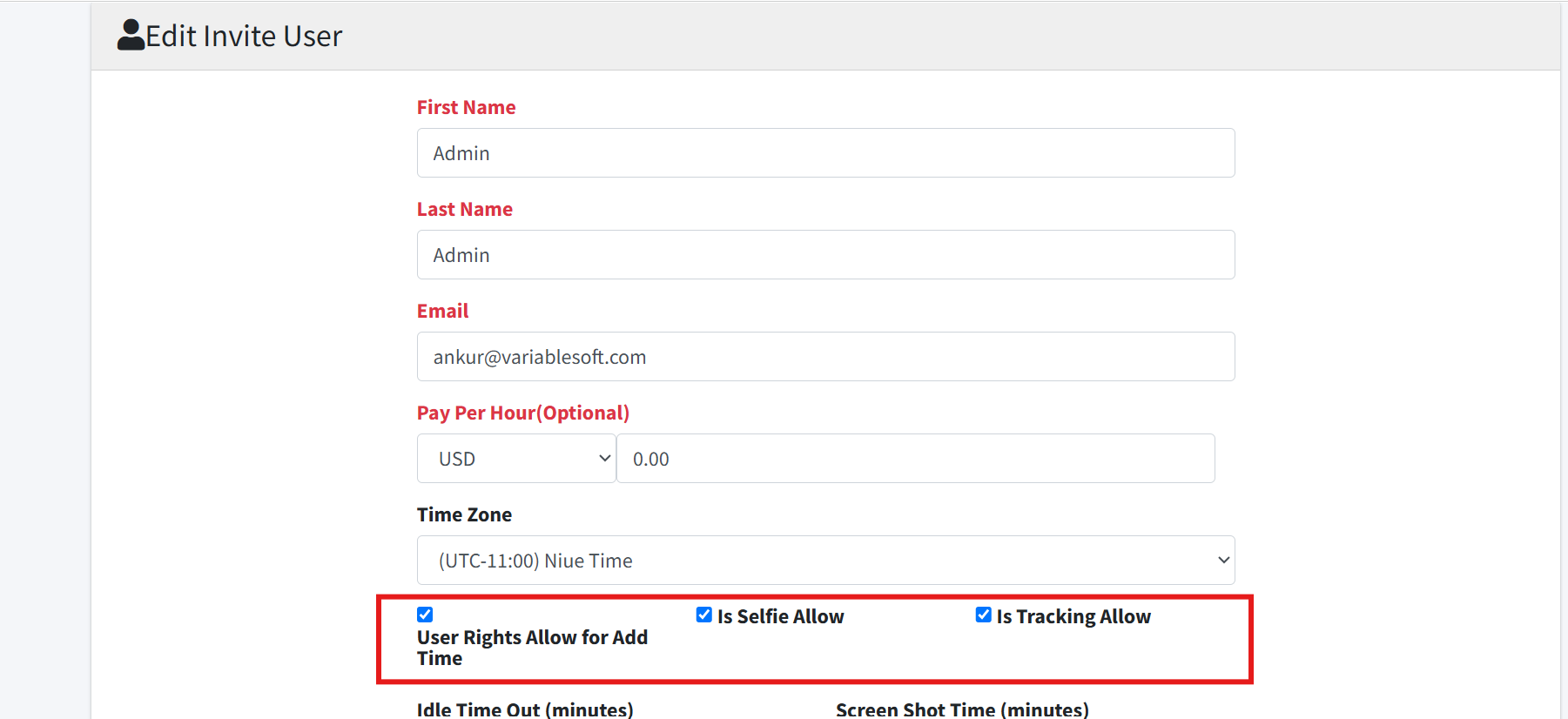
Add or edit an employee profile.
Step 3
Select the role such as User, Manager, HR, or Account Manager.
Step 4
Enable tracking, selfie, or menu rights as required.
Step 5
Assign page-level rights such as Add Timesheet and Timesheet Report.
Step 6
Save the user.