Task & Action Item Management Guide
Create tasks, organize action item boards, assign team members, and track real-time project progress.
Setup Instructions
Step 1
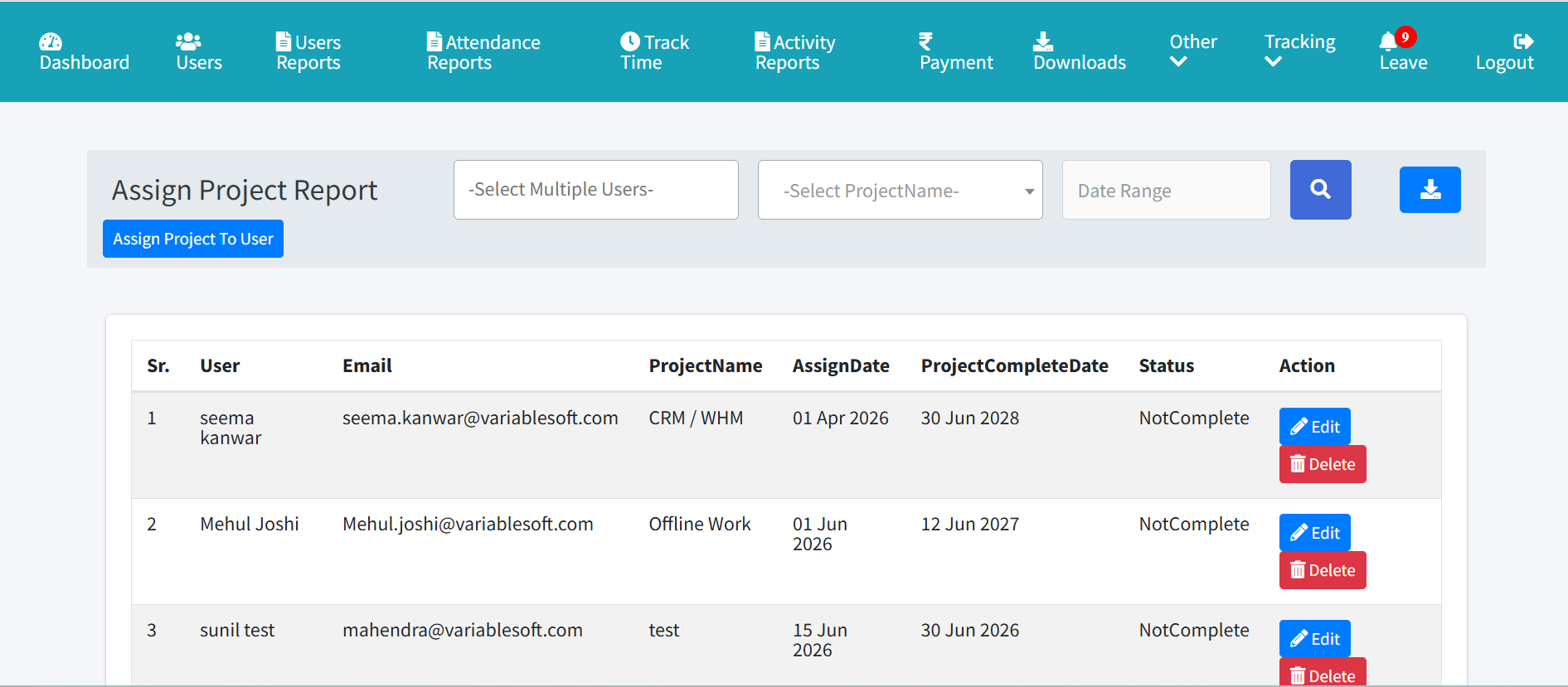
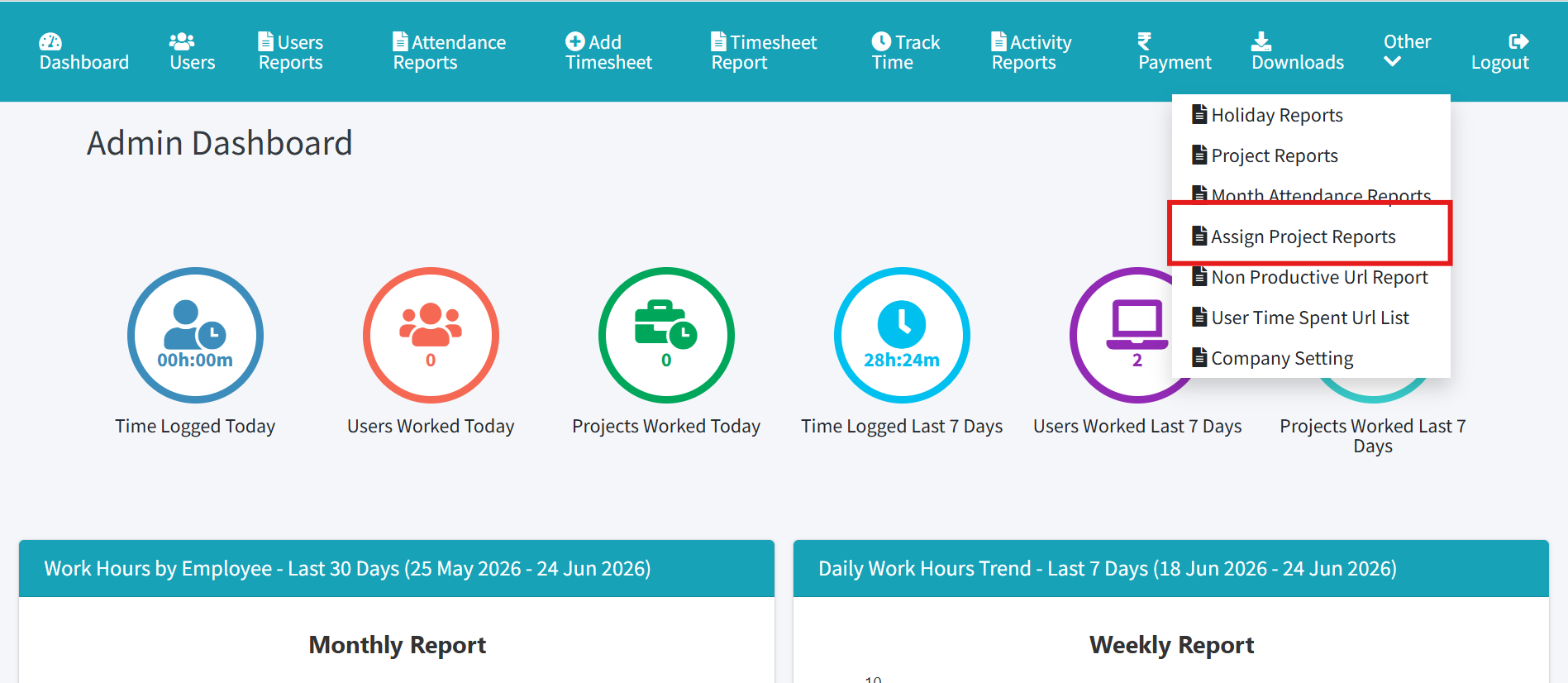
Open Project Assignment or Action Items from the navigation menu.
Step 2
Create a new task or action item with title, priority, and due date.
Step 3
Assign tasks to users and connect them to relevant projects.
Step 4
Move action items across Kanban board columns (Pending, In Progress, Completed, On Hold).
Step 5
Log work hours against tasks and generate action item reports.