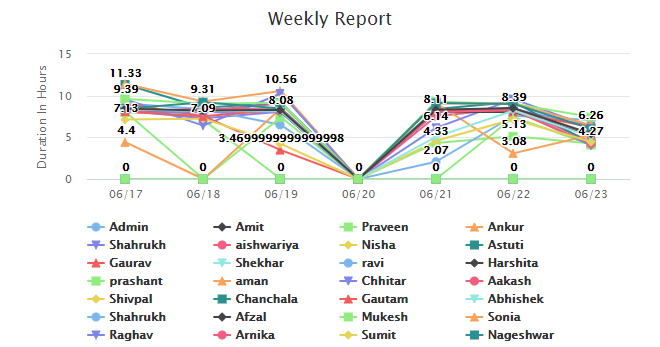
Reports & Exports Guide
Filter reports by user, project, status, and date, then export the needed data.
Setup Instructions
Step 1
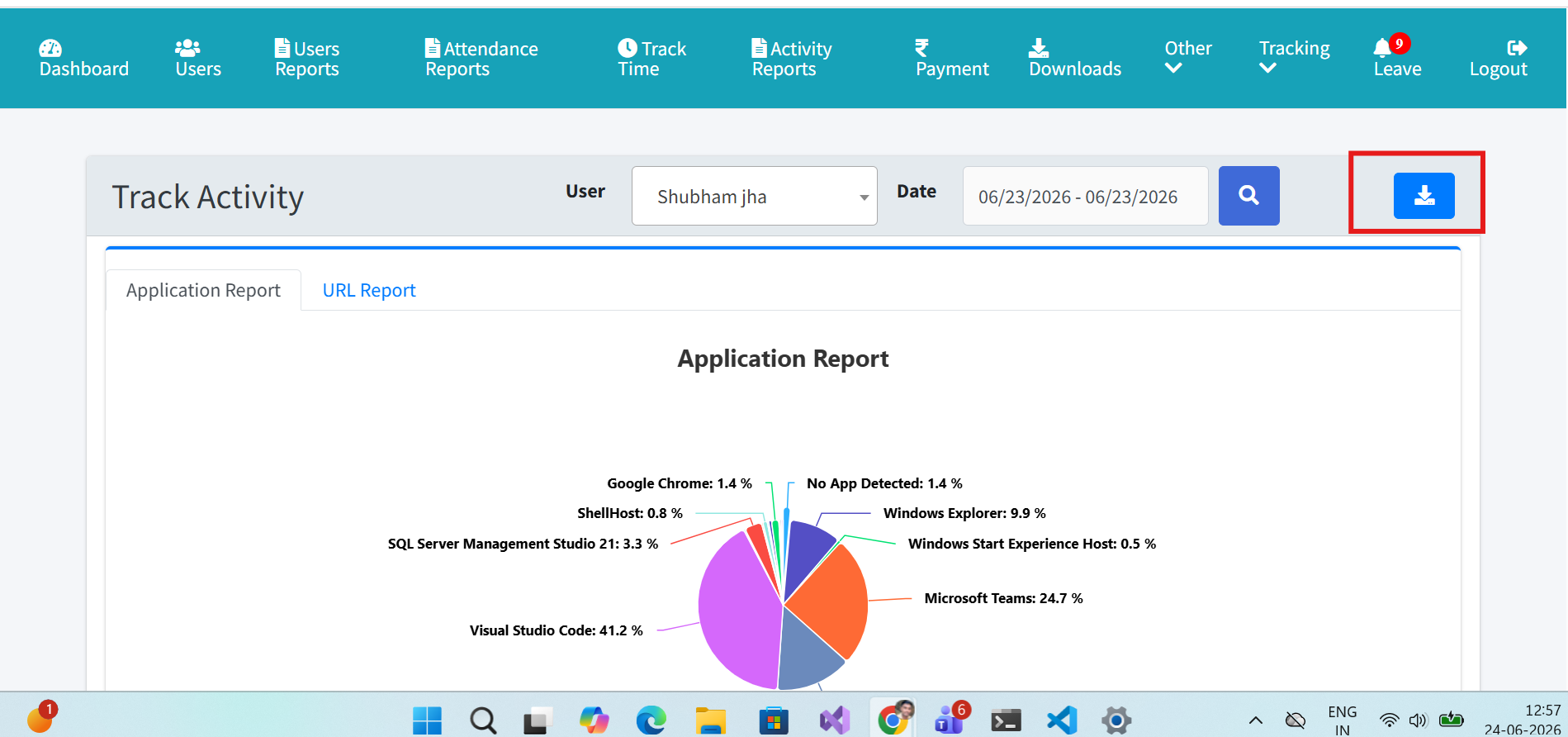
Choose report type: users, attendance, activity, project, screenshots, timesheet, or offline time.
Step 2
Apply user, project, status, and date filters.
Step 3
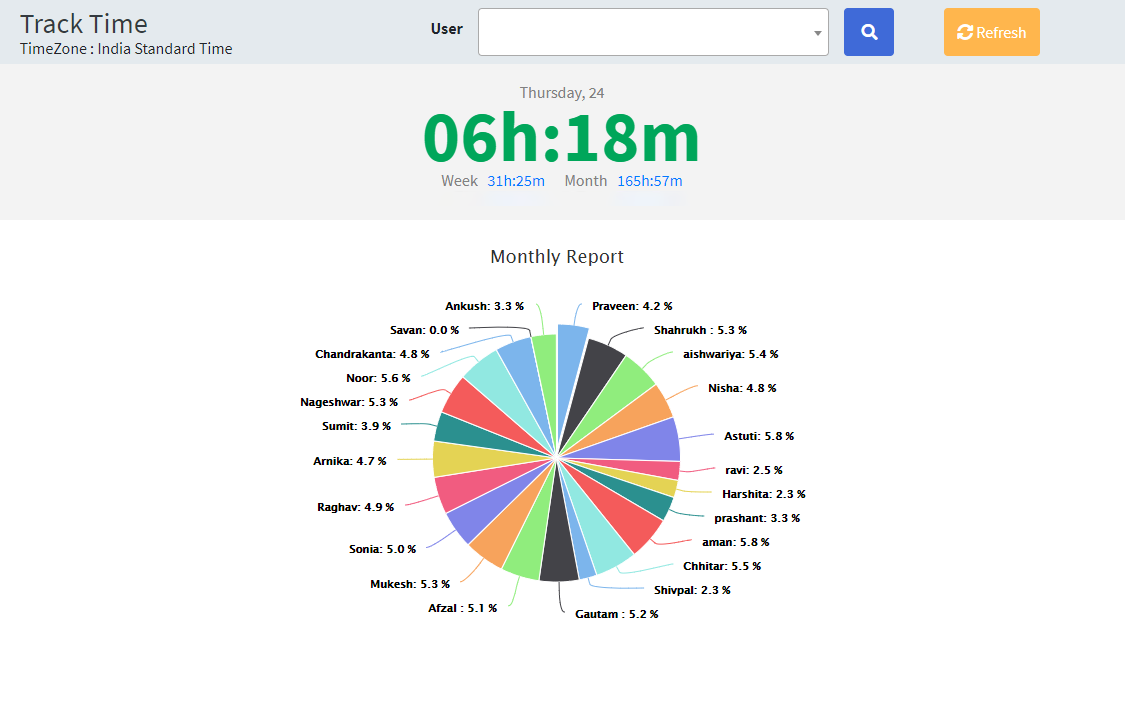
Review exceptions and trends.
Step 4
Open detail rows where available.
Step 5
Export or download the report.