Departments Guide
Create departments, assign users, filter reports, and apply department-specific non-productive rules.
Setup Instructions
Step 1
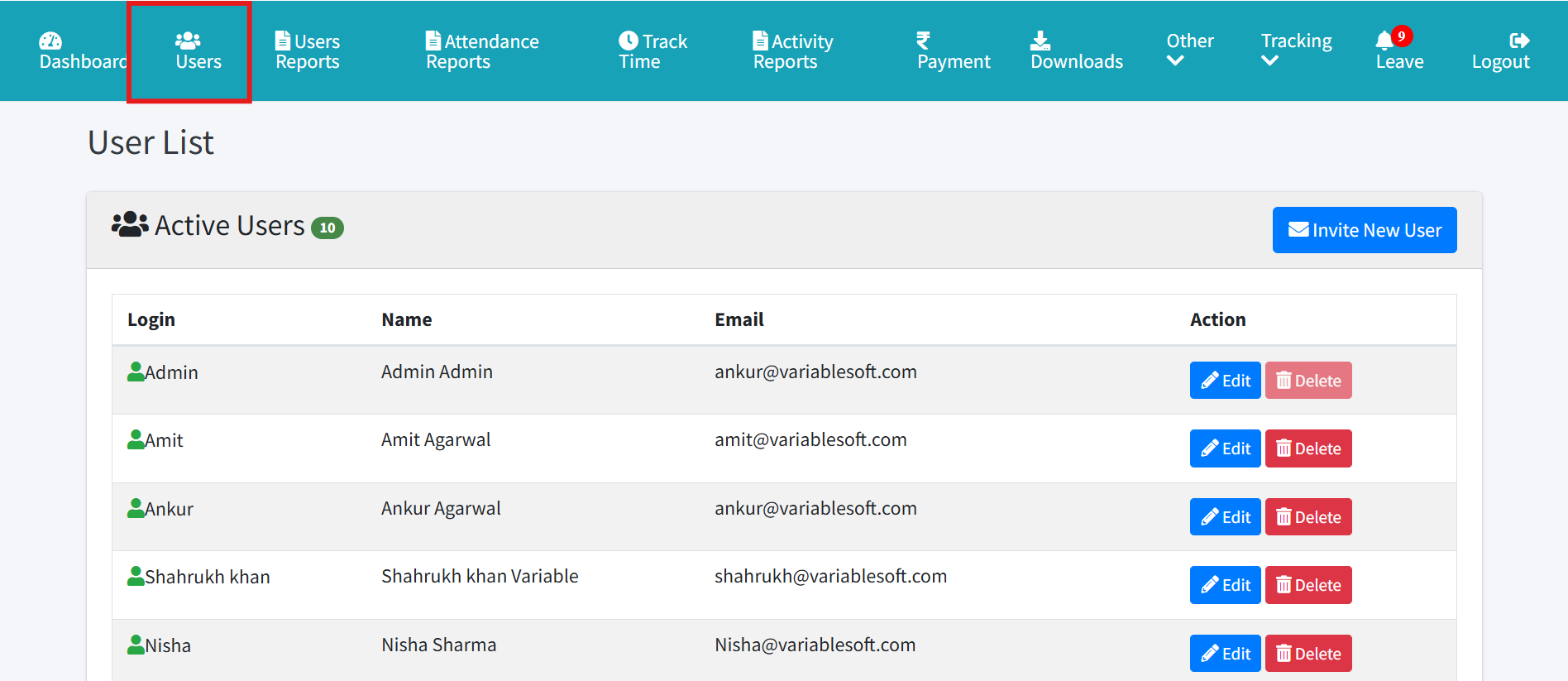
Open Departments from admin navigation.
Step 2
Add the department name.
Step 3
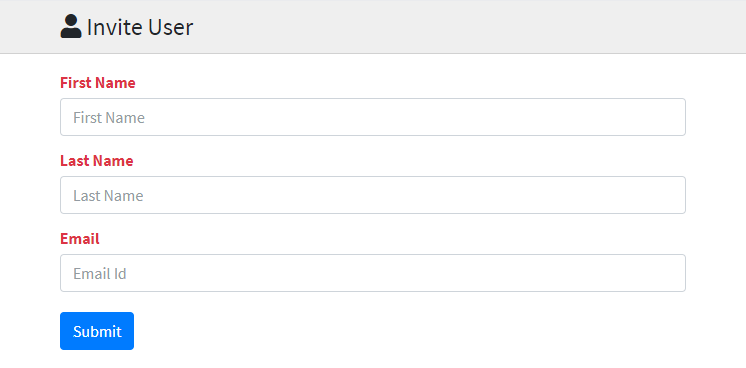
Assign department while inviting or editing users.
Step 4
Use department filters in applicable reports and rule setup.
Step 5
Set non-productive app or URL rules for all departments or a selected department.
Step 6
Use mobile department dropdown APIs to show the same department list in the app.