JIRA Integration Guide
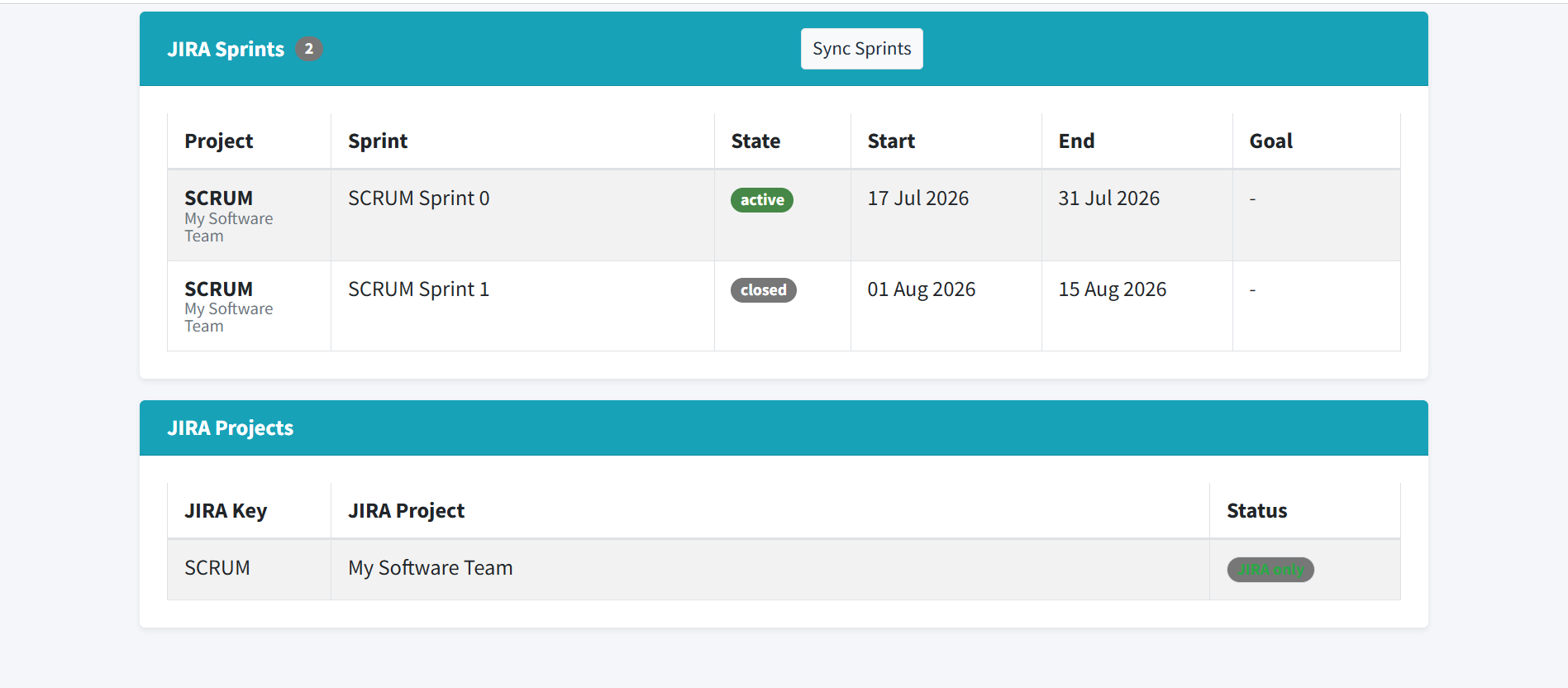
Connect JIRA with token-based setup, sync projects and tickets, map WHM projects, and review work item progress.
Setup Instructions
Step 1
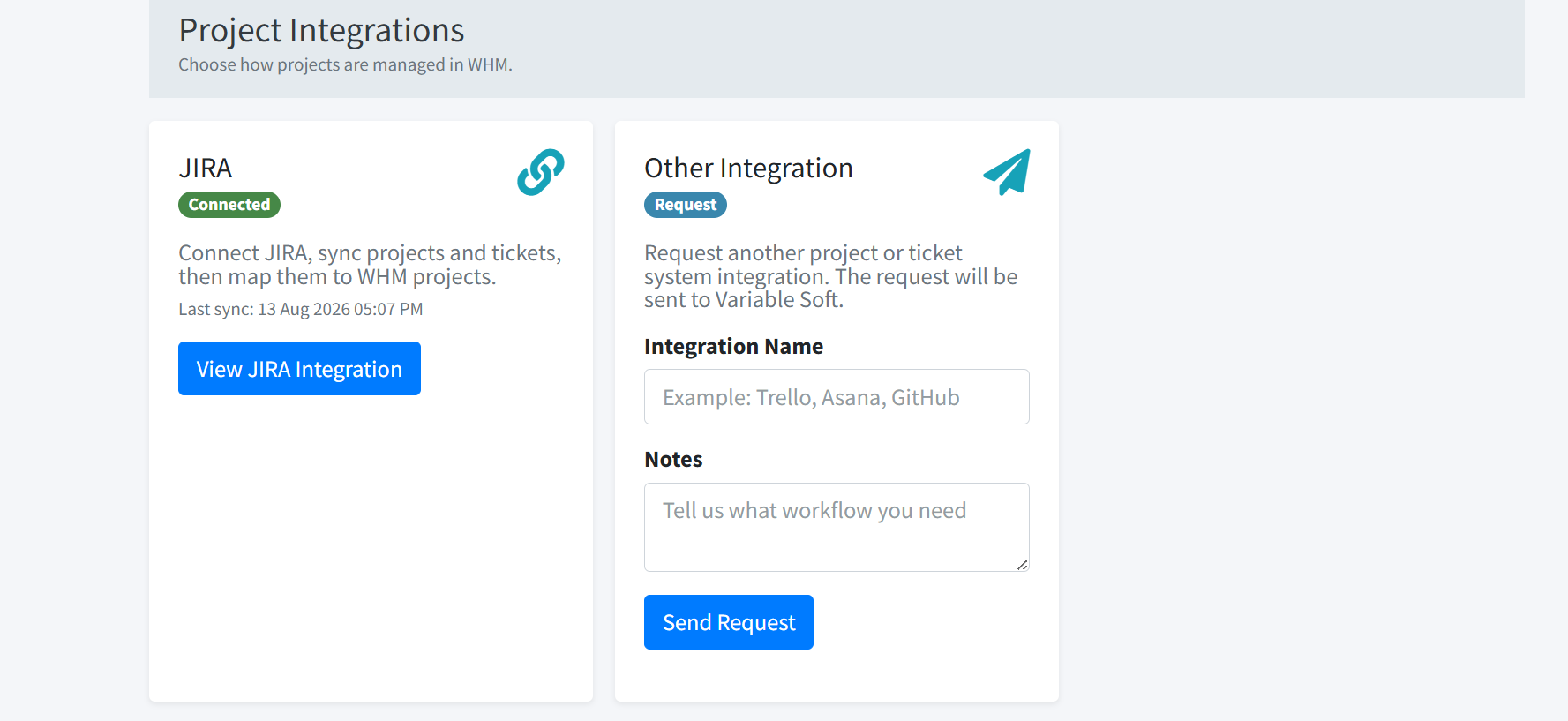
Open Integrations and choose JIRA Setup.
Step 2
Enter the Atlassian site URL, JIRA email, and API token.
Step 3
Save and test the connection.
Step 4
Sync JIRA projects and tickets.
Step 5
Map JIRA projects to WHM projects where required.
Step 6
Use JIRA Projects, Tickets, Create Work Item, and Sync Activity to manage ongoing work.