Productivity Analytics Guide
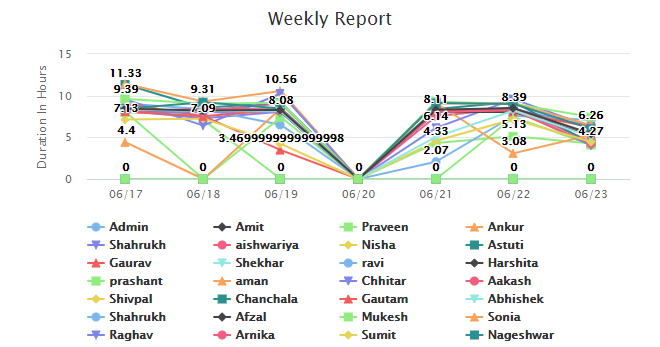
Use dashboards, work-hour trends, app and URL context, and non-productive reports to review team performance.
Setup Instructions
Step 1
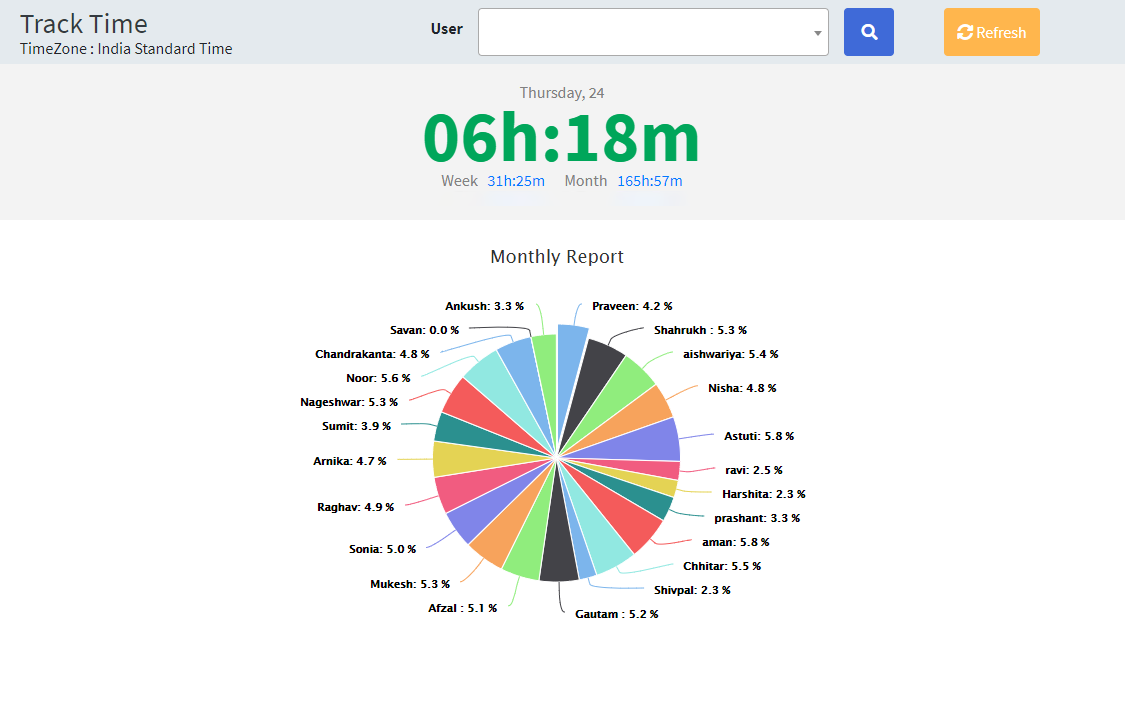
Open the dashboard or productivity reports.
Step 2
Select the user, team, or date range.
Step 3
Review total logged time, productive time, and non-productive time.
Step 4
Compare application and website usage.
Step 5
Open detailed reports for exceptions.
Step 6
Use trends to coach teams and improve tool policies.