Mobile App & Reports Guide
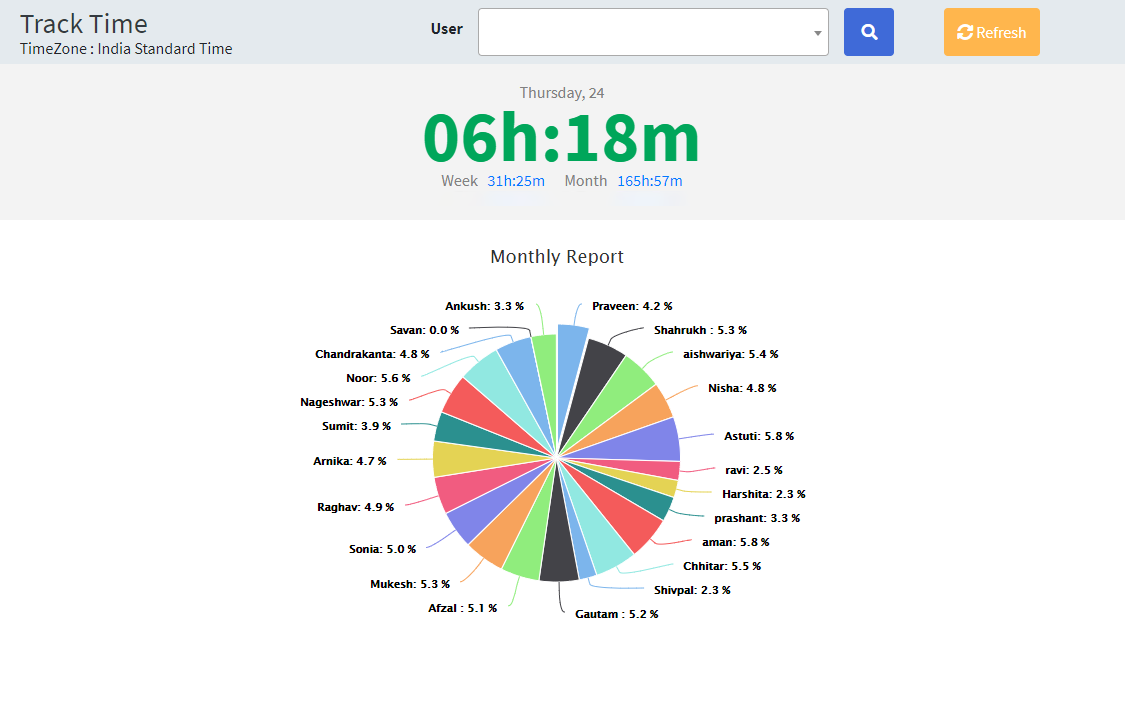
Use mobile-friendly workflows for attendance, tracking, location history, leaves, timesheets, departments, and admin reports.
Setup Instructions
Step 1
Log in from the mobile app and keep the active SessionId.
Step 2
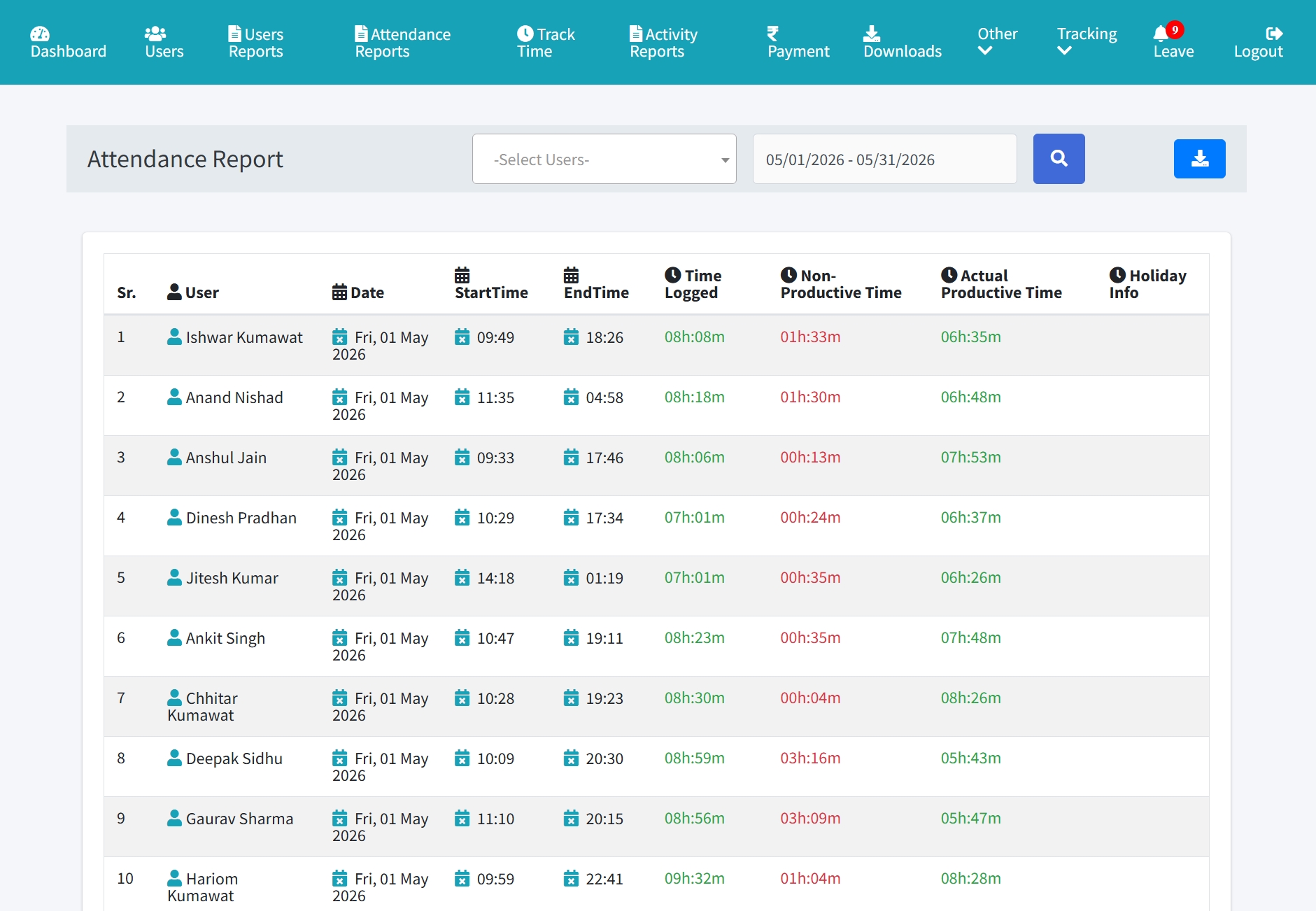
Open mobile attendance, monthly attendance, tracking, or location reports.
Step 3
Pass filters such as user, date range, page, and pageSize.
Step 4
Use pageSize 25 for monthly attendance and larger report lists.
Step 5
Use department dropdown APIs to populate filters.
Step 6
Compare mobile results with the same web report filters.