Sub Admin Guide
Create Sub Admin users and limit their access to assigned teams, reports, offline time, and project workflows.
Setup Instructions
Step 1
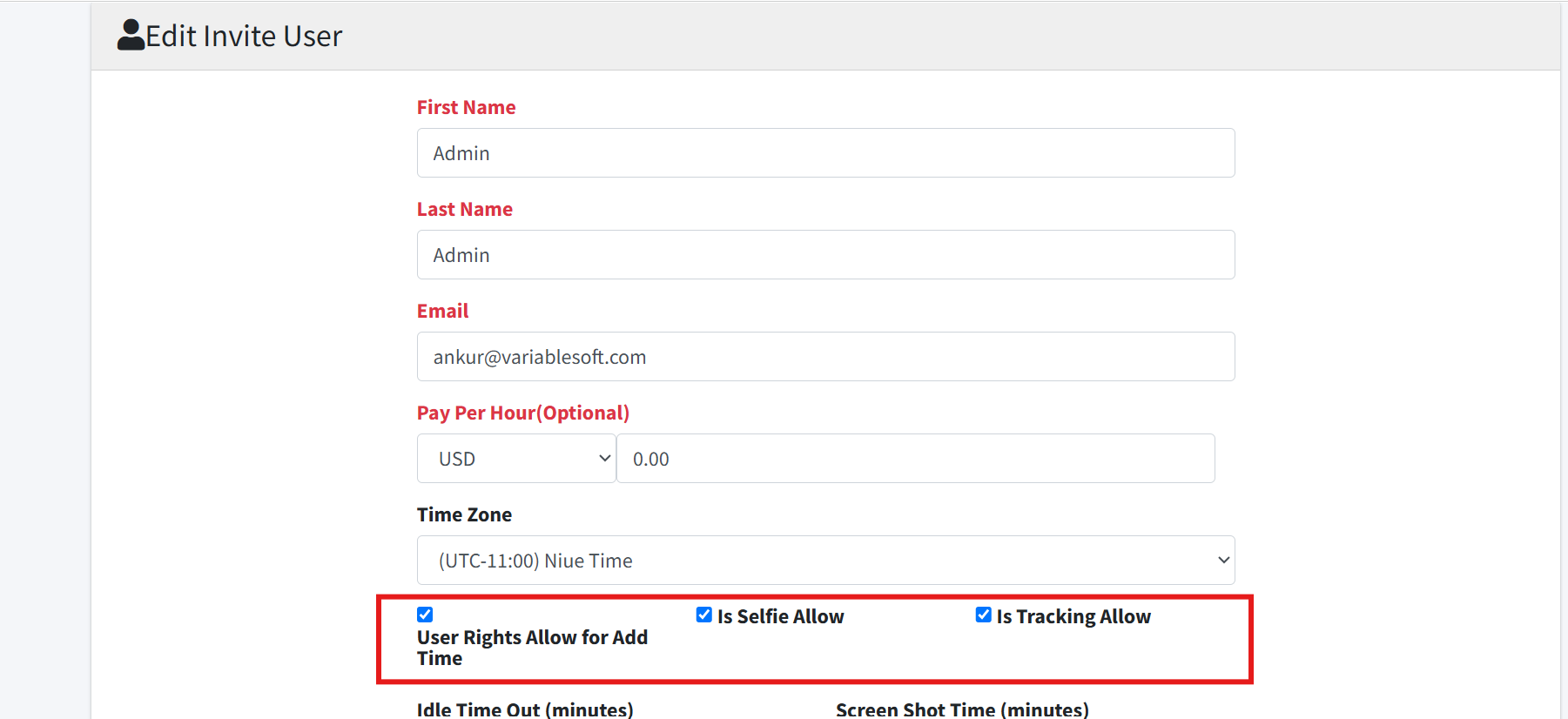
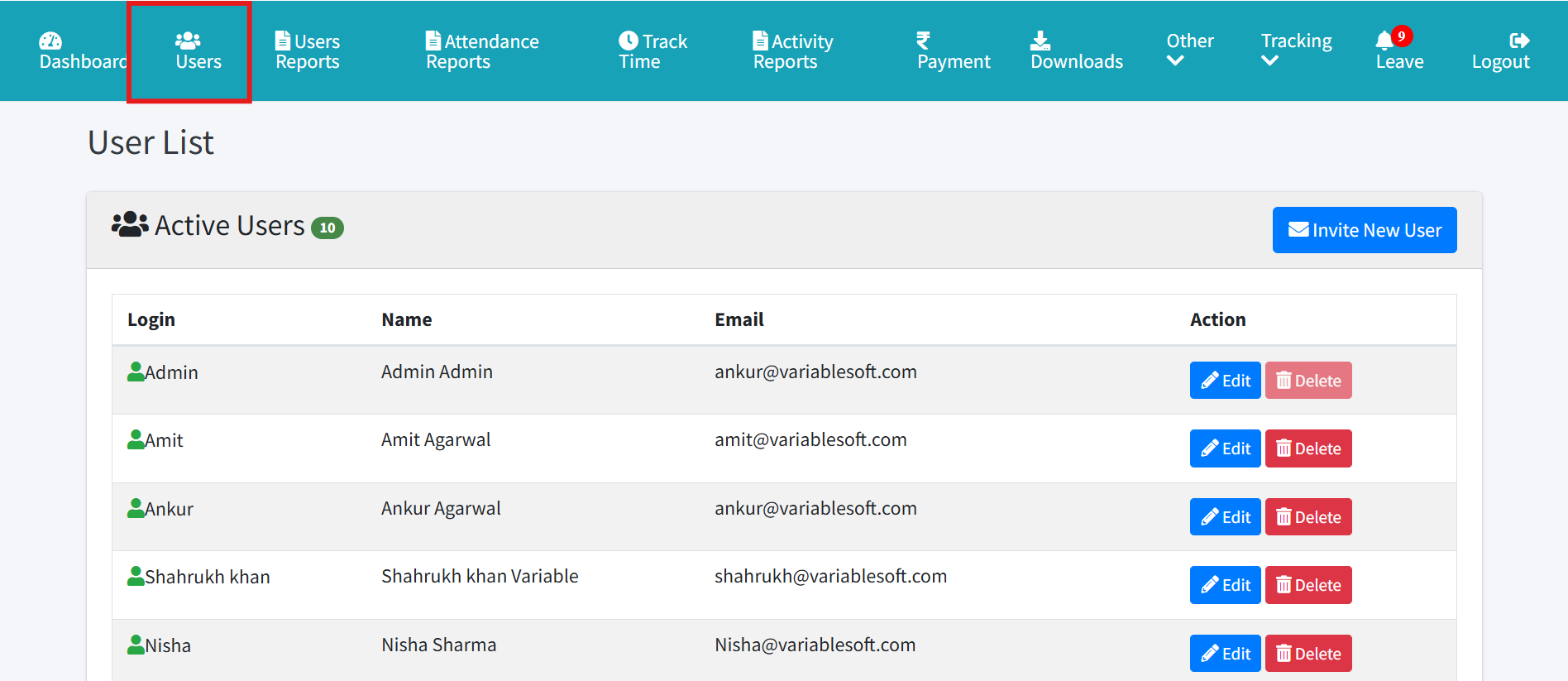
Open Users and invite or edit a user.
Step 2
Select the Sub Admin role where available.
Step 3
Assign employees or team ownership for the Sub Admin.
Step 4
Review menu rights and report access.
Step 5
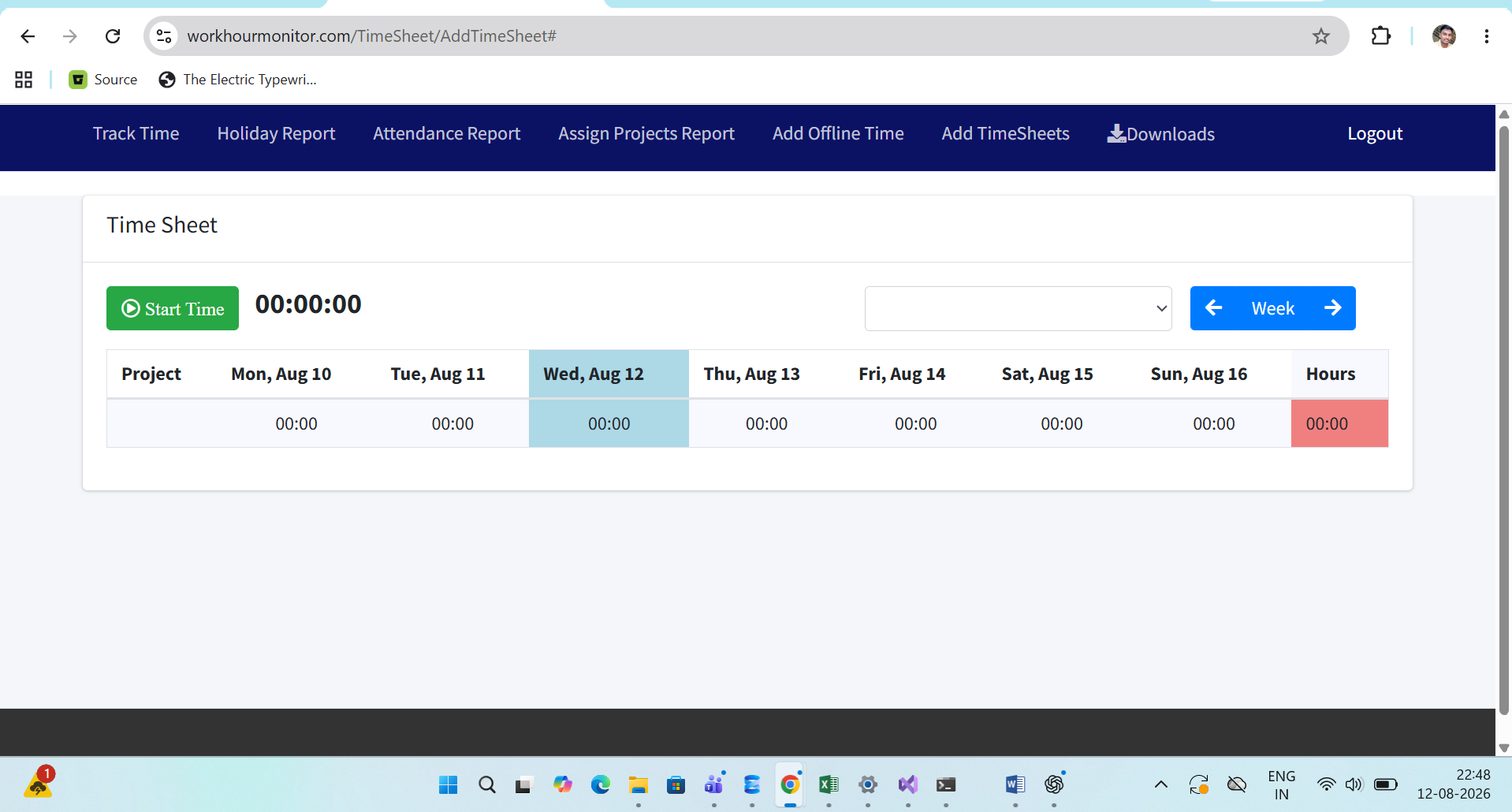
Use Sub Admin dashboard and reports to confirm the restricted view.
Step 6
Ask the Sub Admin to sign out and sign in after role changes.