Team Management Guide
Manage users, departments, roles, holidays, company settings, projects, and role-based access in one workflow.
Setup Instructions
Step 1
Create departments and company holidays.
Step 2
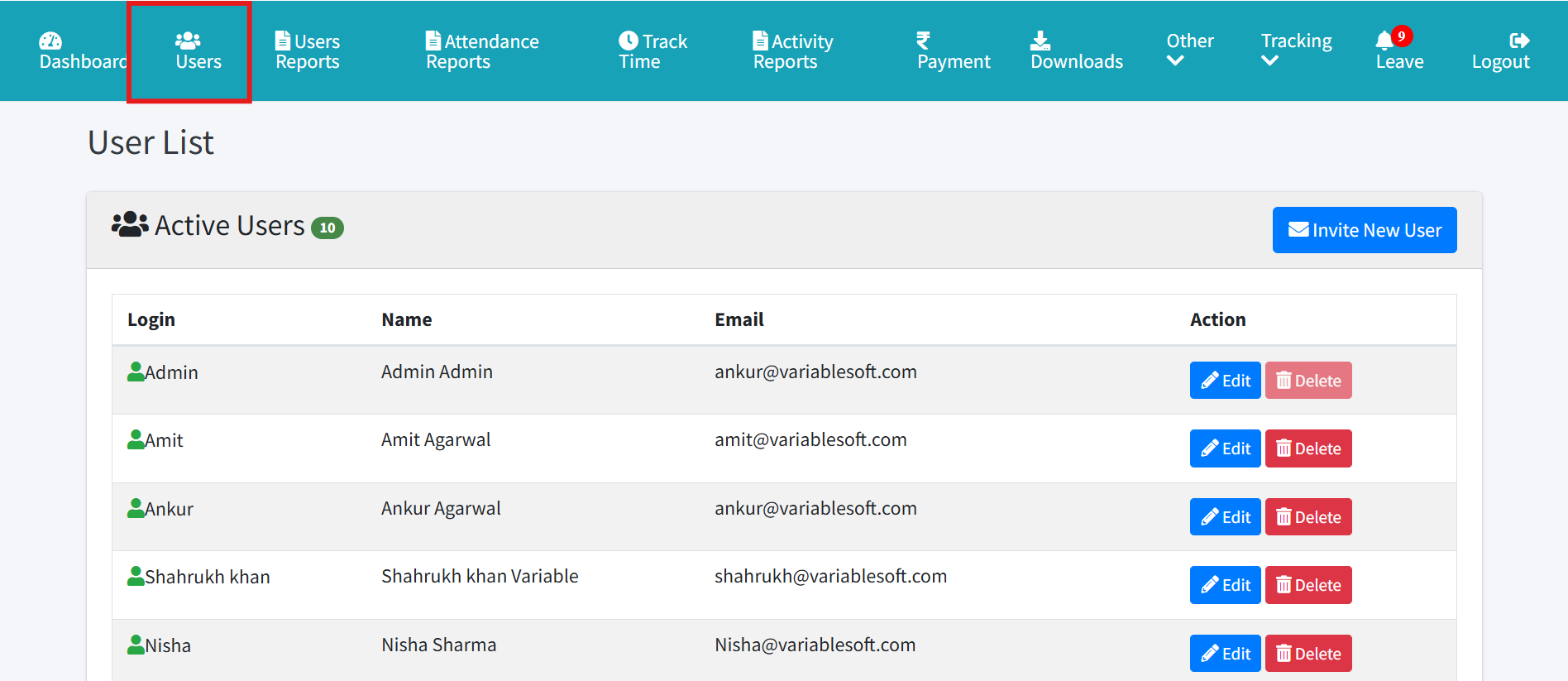
Invite users and assign role, department, and manager or Sub Admin ownership.
Step 3
Assign projects and menu rights.
Step 4
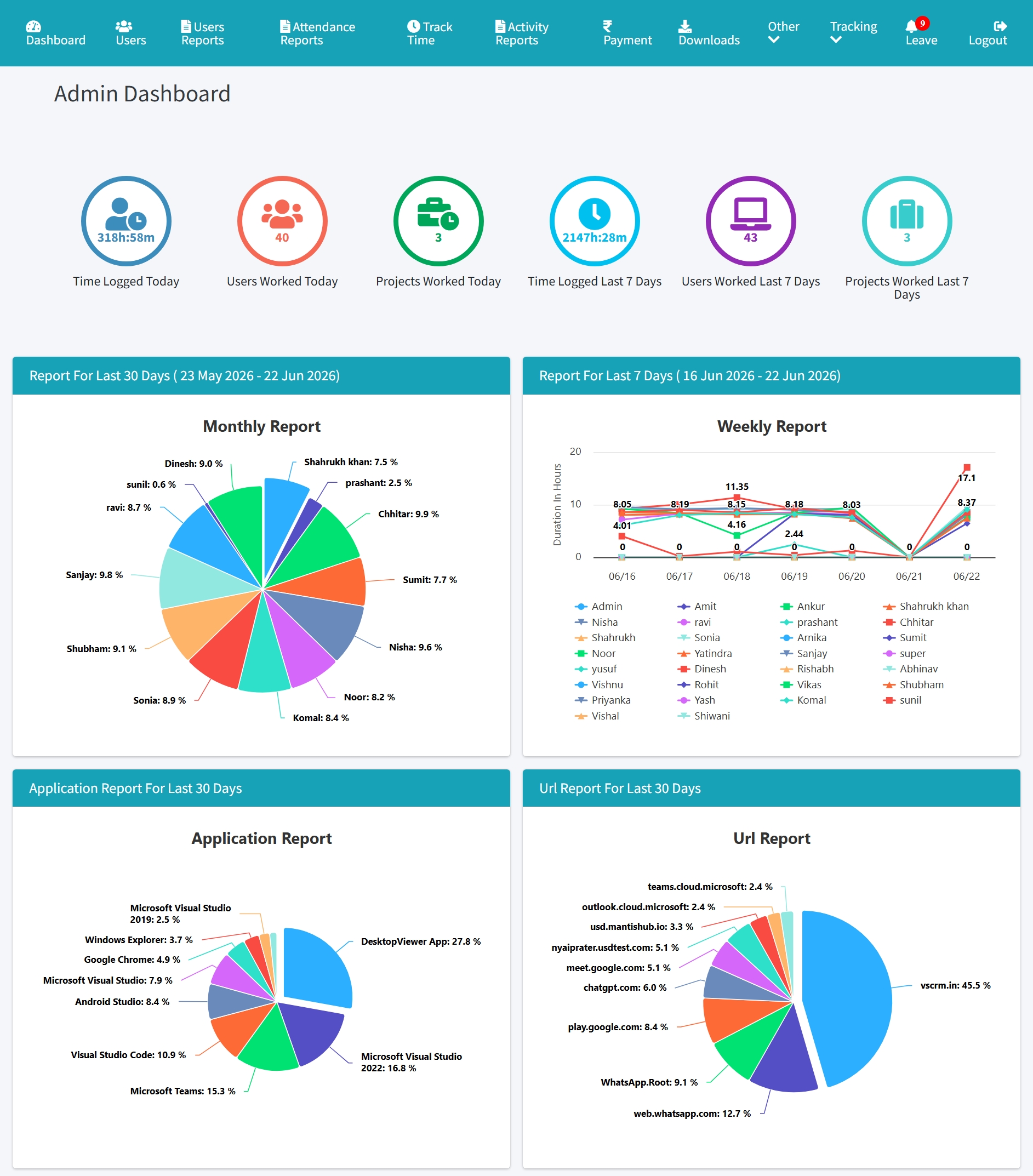
Review dashboard access for Admin, HR, Manager, Sub Admin, and User roles.
Step 5
Use reports to confirm each role sees the expected data.
Step 6
Update company settings as policies change.